
Free
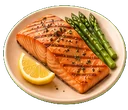
Log a meal
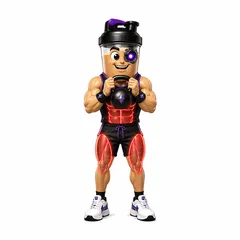
Take a photo, scan a barcode, search USDA, or type it in. GemFit fills in calories and macros, shows where the numbers came from, and waits for you to check them.
GemFit is an iPhone app for meals, training and body measurements. Snap a photo, scan a barcode or type what you ate, check the numbers, then save. Pro adds a coach that drafts changes for you to approve.
Free to download. Optional Pro subscription.
Four screens do most of the work. Here is what each one does, shown with a sample day.
Take a photo, scan a barcode, search USDA, or type it in. GemFit fills in calories and macros, shows where the numbers came from, and waits for you to check them.
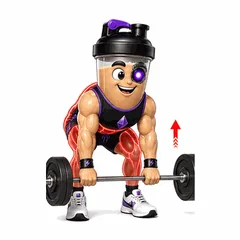
Log sets, reps, weight and duration by hand, or log a workout straight from the day in your plan. The exercise library has 33 animated demonstrations with form cues.
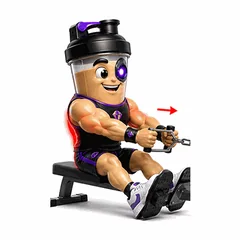
Pick 1, 3, 7 or 30 days, a date, or all time. Workouts, average intake and weight sit side by side, and a missed day stays blank instead of turning into a fake zero.
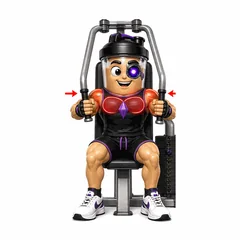
Ask about your own log in plain words. Coach drafts the food entry, workout or plan change, and nothing is saved until you approve it.
Phone screens show a sample day with demo data. Food photos are estimates you review.
GemFit uses AI to turn photos and sentences into log entries, then shows you its work before anything lands in your history.
Entries are labeled official source, web-verified, AI estimate or unresolved, so a day of packaged food reads differently from a day of photo guesses.
Coach answers from your saved meals, workouts and plans, and turns requests into drafts you can edit or approve.
Connect Claude or another MCP client over OAuth. It can read your log and propose entries, and every change still arrives as a draft. How connected AI works
Example entries with demo data
 Restaurant burrito bowlSearch · 1 bowl · 700 calWeb-verified
 Chicken rice bowlPhoto · 1 bowl · 670 calAI estimate
 Grandma’s oatmealText · needs your numbersUnresolved
Logging, barcode lookup, photo estimates and progress reports are free. Pro adds the AI coach and drafts.
$0to download and log
Usage limits may apply.
Start free on iPhoneOptional subscription
The current price and renewal terms are shown in the app before you subscribe.
See Pro in the appSubscriptions renew automatically unless canceled. Manage an App Store subscription in Apple settings. Terms · Privacy
It depends on the source, which is why every entry is labeled. Barcode matches come from Open Food Facts, and supported lookups use USDA or official restaurant nutrition. A photo cannot show every ingredient or how much oil went in, so check photo estimates before you save.
No. Your food, workouts and body measurements are private tracking data. Sharing through eligible community features is a separate choice you make.
No. GemFit helps you track fitness and nutrition. AI suggestions and calorie calculations are estimates, not medical advice or a substitute for a qualified professional.
Yes. GemFit supports authorized account connections through MCP. Your assistant can read your log and propose changes, and every change still needs your review before it is saved.
Yes. GemFit can sync with Apple Health, and imported workouts wait for your review before they are added to your log.
GemFit is an iPhone app today. The calculators and guides on this site work in any browser, no account needed.
Plain explanations of how food, training and progress tracking work in GemFit, plus calculators you can use without an account.
Food, training and body measurements in one private log. Coach is there when you want it, and nothing is saved until you approve it.
Free to download. Optional Pro subscription.

GemFit.aiFood, macro and workout logiPhone · Free download

On a computer? Point your iPhone camera here to open the App Store listing.